
Prefer Watching? Here’s the guide in action
A practical walkthrough of leveling fast – what “Adventure level” is, why your Flagship level matters most, and how to upgrade compartments without stalling. Watch on YouTube:
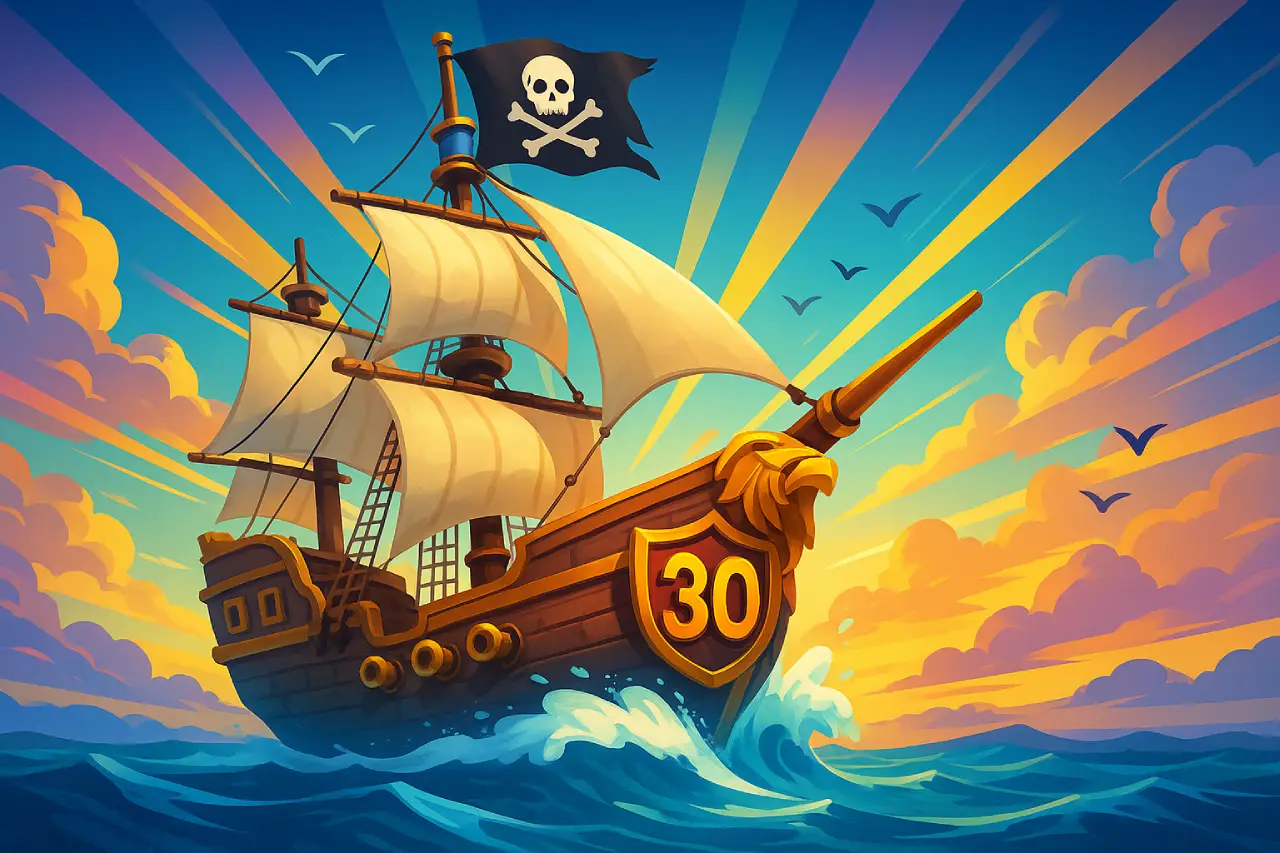
Step-by-Step Tips & Tricks (Ship LVL 30 Push)
1) Know the two “levels” you’re working on
- Adventure Level – your captain’s overall account level. It goes up as you do stuff (fights, sinks, etc.). The easiest farm is sinking Armed Freighters whenever you have stamina.
- Flagship Level – the number you see under ships on the map. This is your raw power. Your first priority is raising Flagship level – that’s what spikes your stats and visible power.
2) Spend stamina smart: farm Armed Freighters daily
Your green bar (top-left) is stamina. Each freighter you sink gives Adventure EXP, which in turn unlocks more systems and smooths later upgrades. Low-level freighters are fine – just keep the bar empty each day.
3) Upgrade your Flagship early and often
Open Flagship → Upgrade and keep it moving. Each level boosts stats and total power. As you climb, upgrades require certain compartments to be leveled first – don’t ignore them.
4) Compartment gating starts ~LVL 11 – plan for long timers
Above ~11, compartment upgrades get long. Queue a long compartment before logging off, then use shorter ones while you’re online so nothing idles. Burn speedups on the longest blockers to keep the Flagship timer rolling.
5) Level the rest of your fleet too
It’s not just the Flagship. Upgrading secondary ships also raises overall power and helps clear tougher targets for mats/loot – fueling faster Flagship upgrades.
6) Use resources and speedups deliberately
If you have speedups/emeralds, drop them on compartment gates that block your next Flagship level. That’s the highest impact spend for the Ship 30 sprint.
7) (Optional) Buy Adventure EXP if you’re a spender
The shop occasionally bundles Adventure EXP. It’s a convenience skip – not required – but it can nudge you into higher content sooner.
8) Daily loop that works
- Log in → queue one long compartment/build.
- Farm stamina on Armed Freighters until empty.
- Upgrade a short build/compartment while you’re active.
- Check materials → funnel into the next Flagship level ASAP.
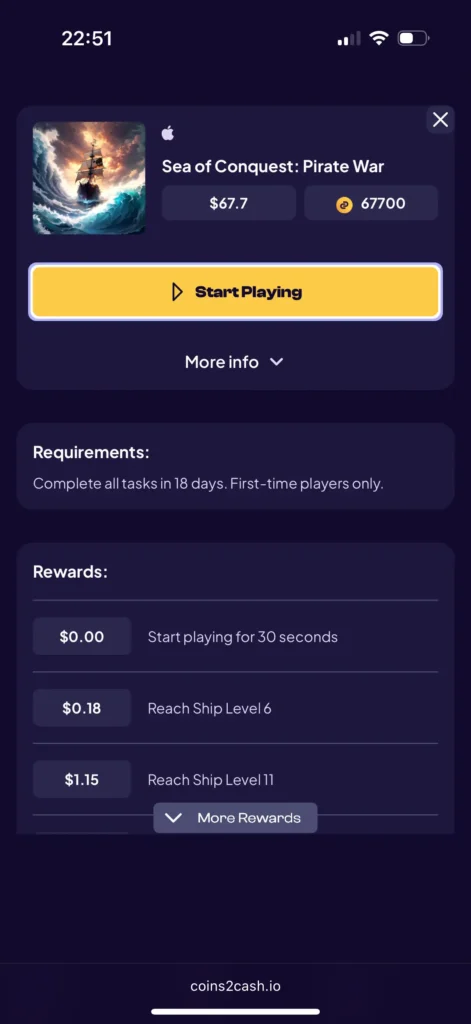
Milestones That Pay You on Coins2Cash
Requirement: Complete all tasks within 18 days. First-time players only.
In-app purchase steps: Optional – but they’re part of the payout ladder if you want the extra bonuses.
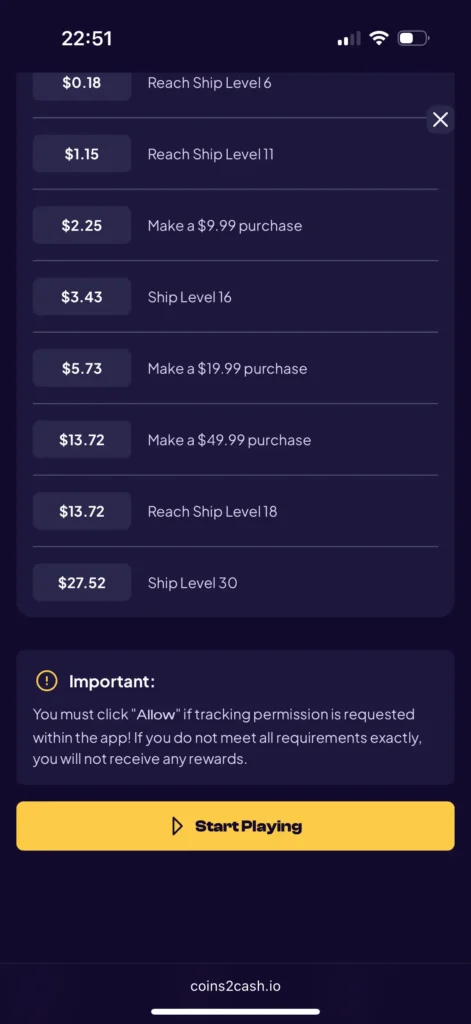
How to Claim Your Rewards on Coins2Cash
- Open Coins2Cash and select Sea of Conquest: Pirate War.
- Tap Start Playing and allow tracking so your progress records correctly.
- Complete the tasks above (within 18 days).
- Re-open Coins2Cash after each milestone so it syncs and credits your coins.
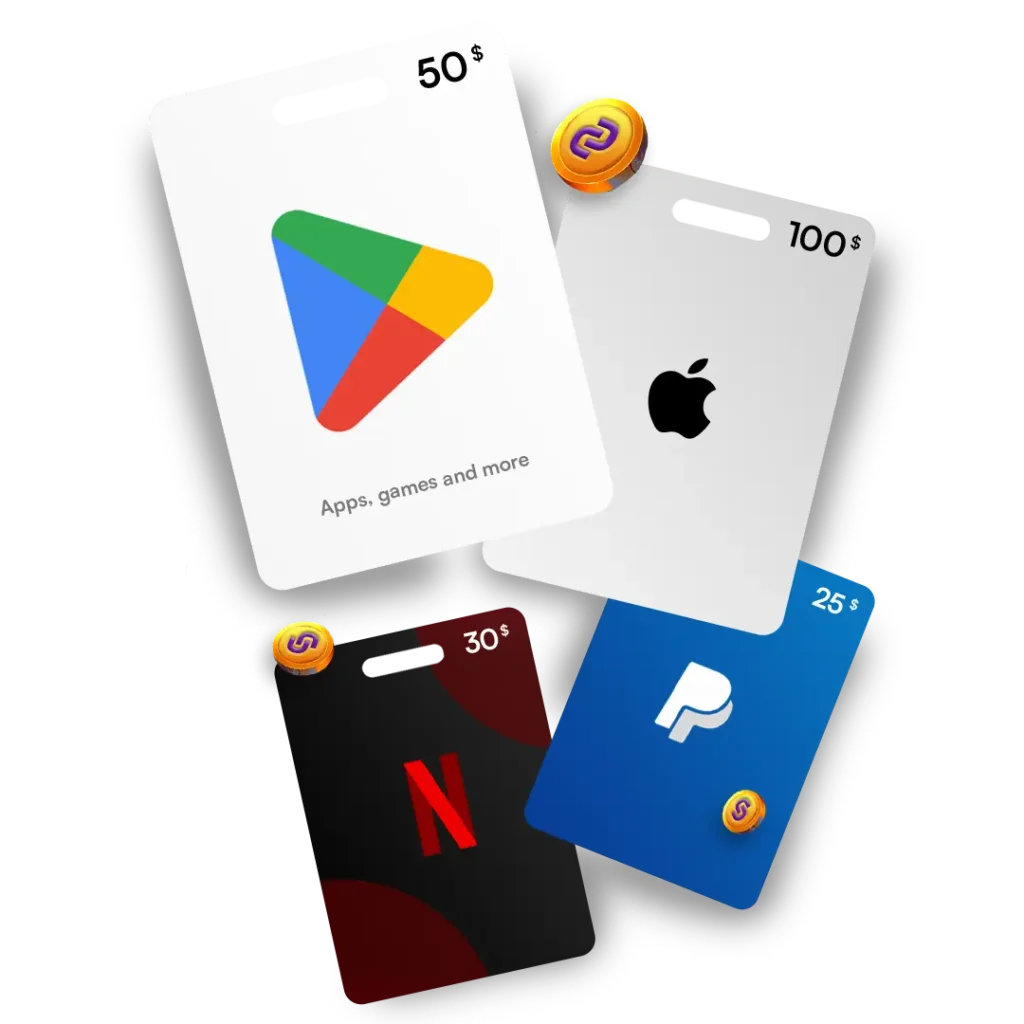
- Redeem your coins (1,000 C2C coins = $1):
- Go to Cashout → and choose a payout method.
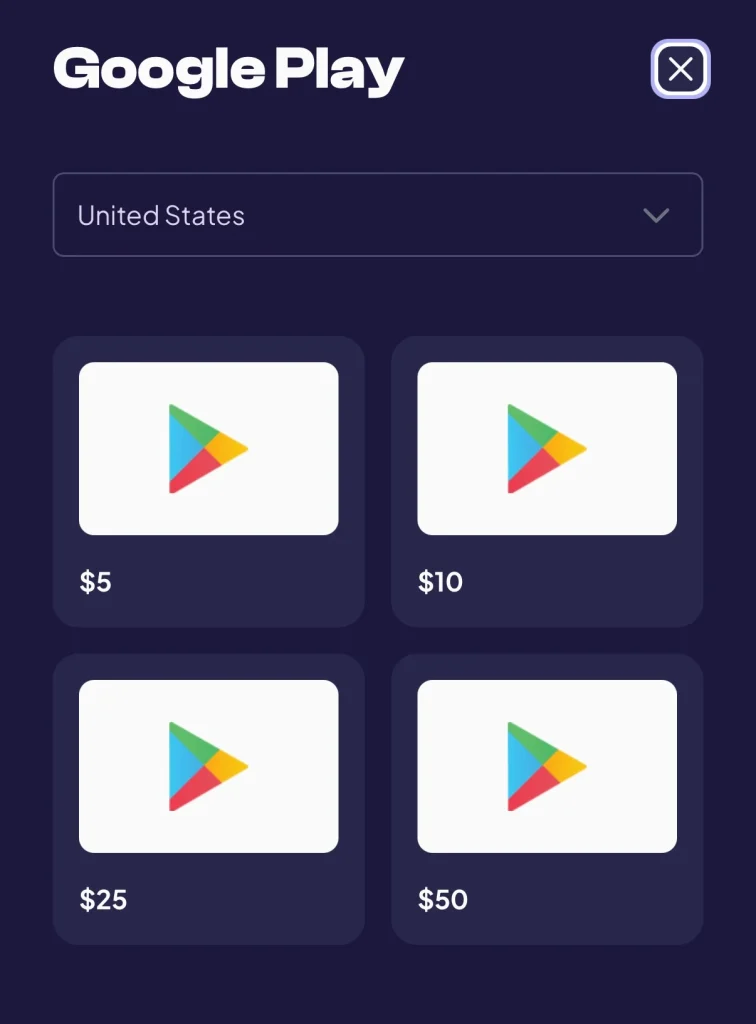
- Available options include Visa (min $2), PayPal (min $0.01), Apple (min $5), Google Play (min $5), PlayStation (min $10), Xbox (min $5), Amazon (min $2), eBay (min $5), Netflix (min $25), and more.
- Select the amount that matches your balance, confirm details, and submit.
Important Notes & FAQs
- Country matters: Final payouts vary by location. Always check your local rates in the dashboard.
- New accounts only: Offers usually require a fresh install with no prior progress.
- Play window: You have 18 days to finish all steps.
- Tracking permission: If the app asks, tap Allow – without it, progress may not track.
- Purchase steps: Optional, but required for those payout tiers.